Work / Process automation
Stop typing the same job three times.
The spreadsheet, the paper packet, the retyping. We build custom business process automation software for small and mid-size companies, around the way the work is already done. Then we run it for one flat monthly rate.
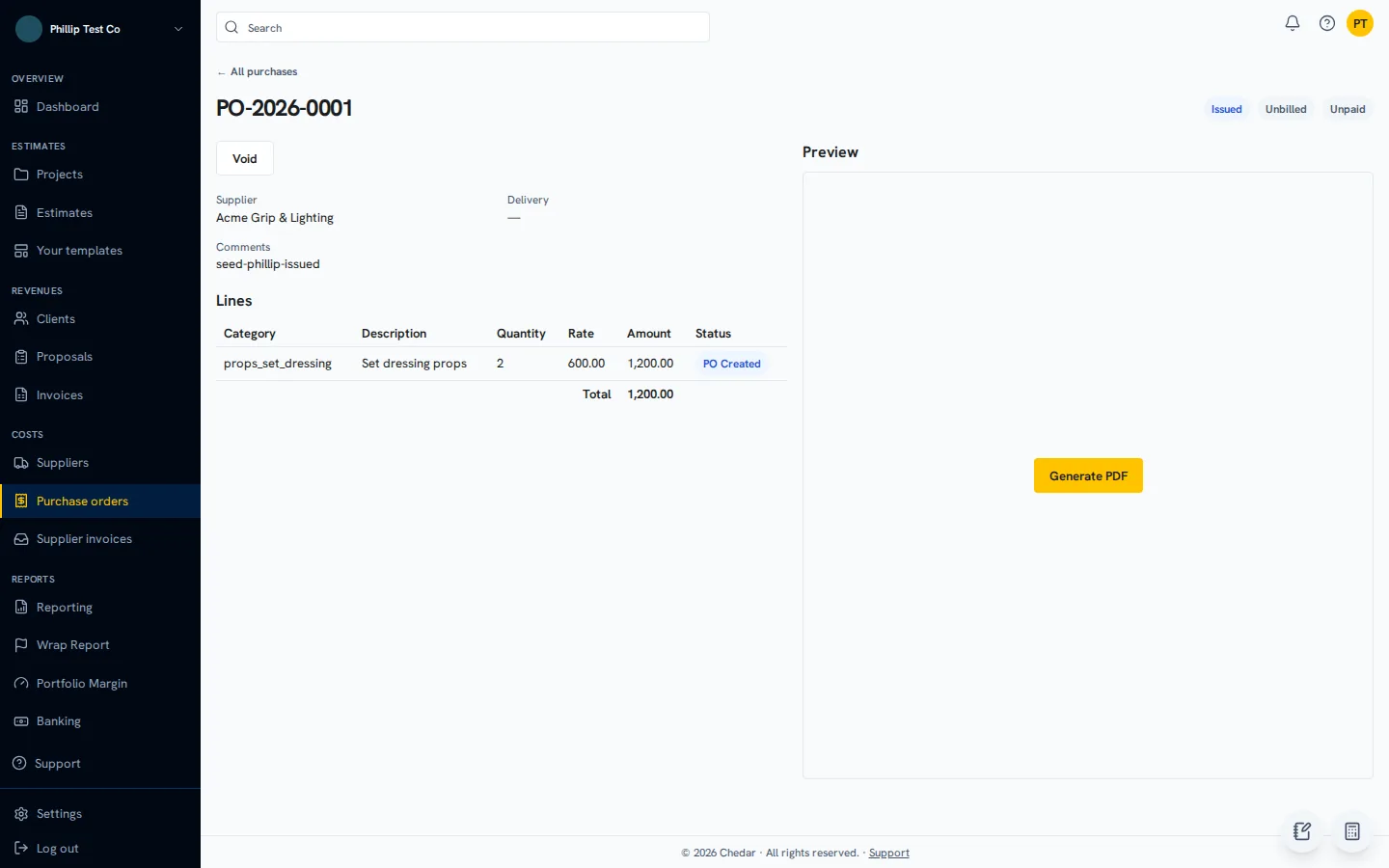
A purchase order in Chedar, built straight from the approved estimate. Nobody types it twice.
Where the hours usually go.
None of this looks like a big problem on a given day. Added up over a year, it’s someone’s whole job.
The same data, typed twice.
A job comes in on one form, gets copied into a spreadsheet, then gets typed again on the invoice. Every copy is one more chance to get a number wrong.
The form only one person can fill.
A customer or partner wants their own document, in their own format. One person in the office knows how to get it right. When they’re out, it waits.
Checks that depend on memory.
Expiry dates, temperatures, approvals and follow-ups get done when someone remembers. They get missed when that person is off.
A tool that fits 80 percent.
The software covers most of the work. A spreadsheet next to it covers the rest. The spreadsheet is where things break.
01 / Kitchen install work orders
Jexpo Construction
Before
Every install job for a national retailer needs the retailer’s own job packet: seven trade sheets, priced line items, and crew notes that have to read cleanly. Filling it in by hand, job after job, was slow and easy to get wrong.
The Jexpo job packet. This picture is a drawing: values are hidden.
What it does now
- Crews open the same job and fill one on-screen version of the packet, from permits and demo to cabinets, plumbing and electrical.
- The app writes the values into the retailer’s real Excel template, formulas and layout kept, and prints a matching PDF.
- Crew notes, in any language, are rewritten into clear English for the packet without adding work or prices.
- The finished packet is emailed from the app with the PO number in the subject.
02 / Lab reagent inventory
Bufferstock
Before
The lab ran its reagent stock on a shared spreadsheet. Lot numbers and expiry dates were kept up by hand, on top of the lab’s real work, and an expired box was easy to miss.
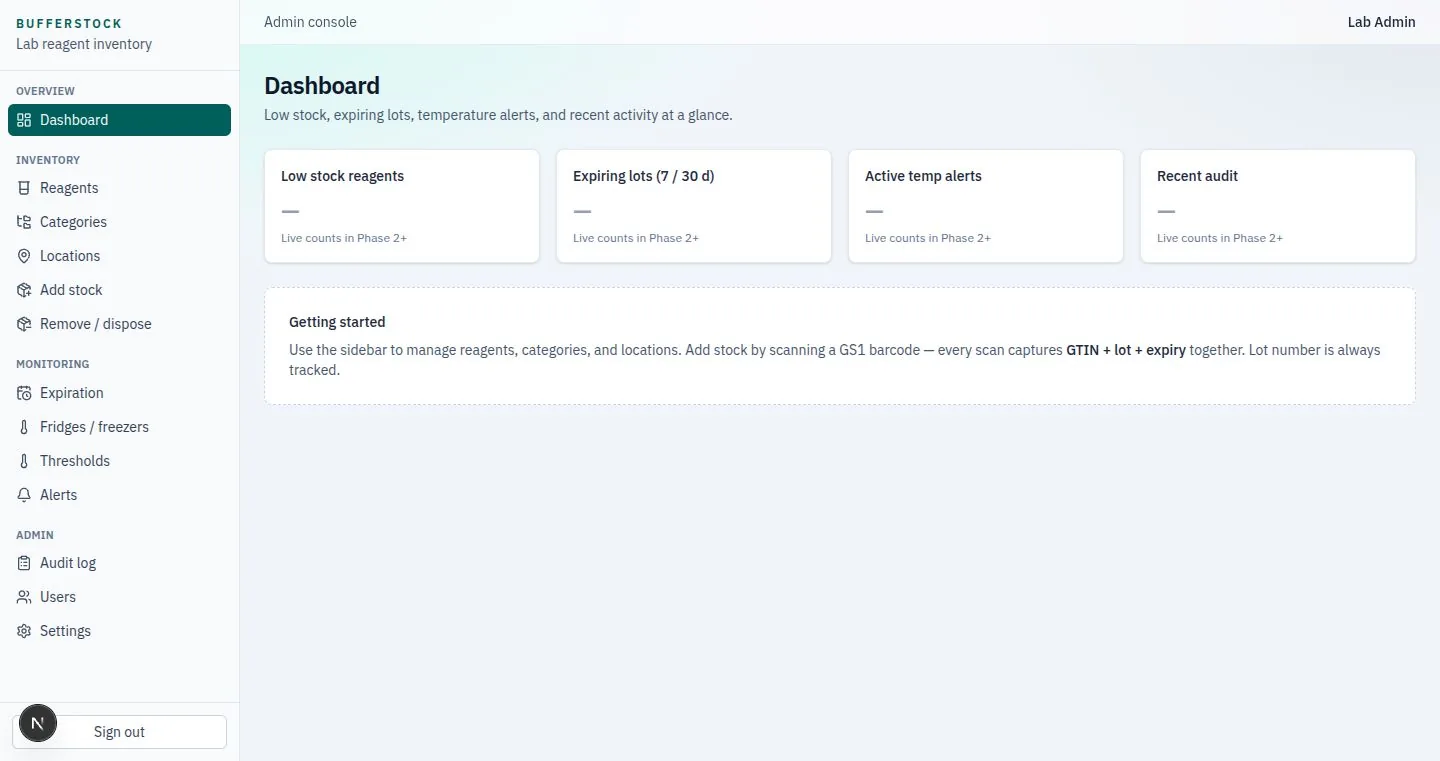
The Bufferstock lab dashboard: low stock, expiring lots, temperature alerts and recent changes.
What it does now
- One scan of the box barcode reads the product, the lot and the expiry date.
- Techs check items out at a wall kiosk with their badge. Expired lots are blocked unless an admin overrides, and the reason is logged.
- Wireless sensors watch every fridge and freezer and send an alert after 20 minutes out of range.
- A monthly temperature report goes out as Excel and PDF on the 1st, with a log of every stock change and who made it.
03 / Production budgeting and invoicing
Chedar
Before
Film and ad production companies run each job from an estimate to supplier bills to client invoices. Chedar’s older platform had grown hard to change, so we rebuilt it on one simpler system and moved each company’s data over.
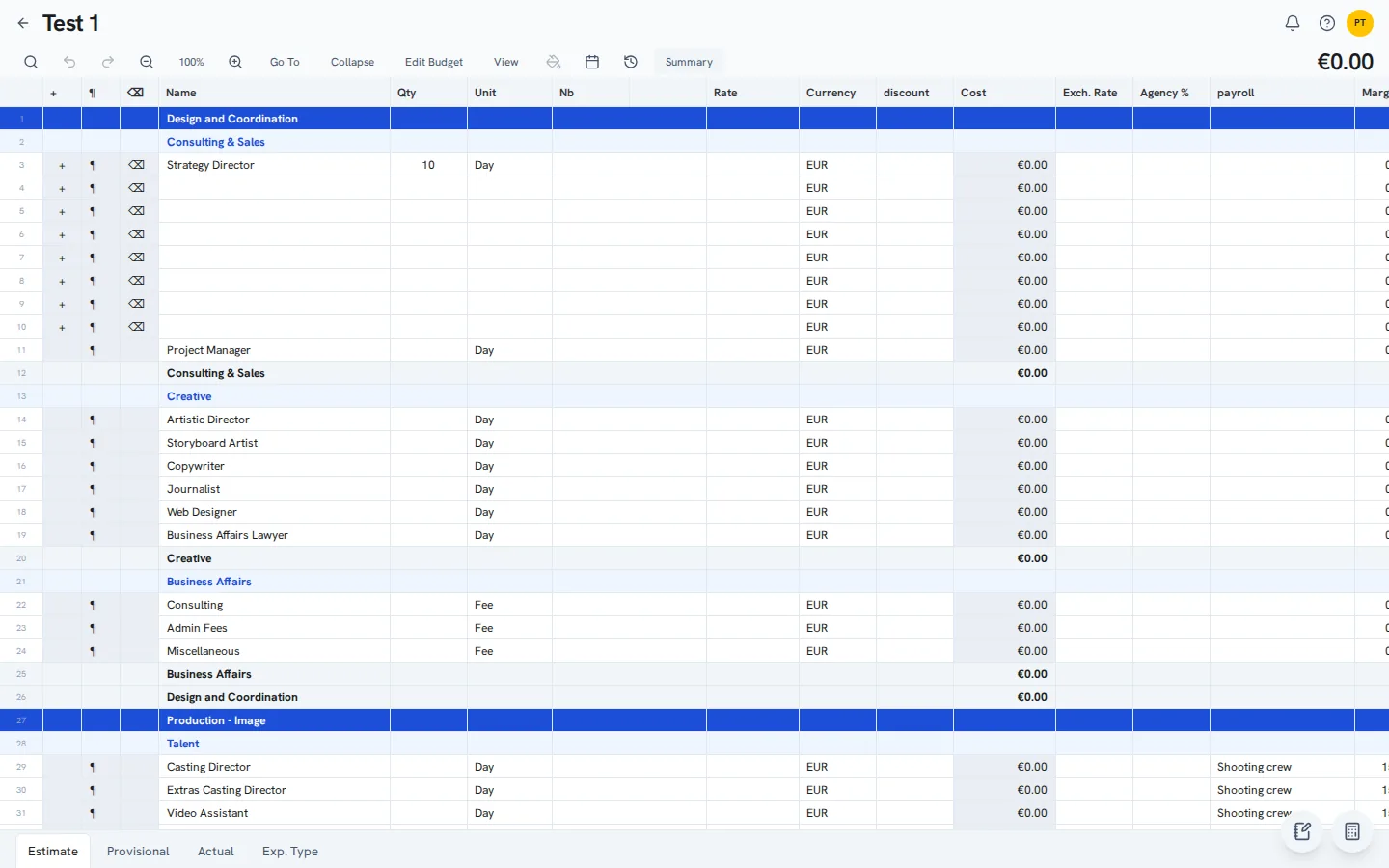
A Chedar estimate, grouped by department, with totals.
What it does now
- Estimates built from templates, merged per project, and turned into purchase orders.
- Supplier invoices come in by upload, email or e-invoice. The fields are read automatically and a person approves each one.
- Client invoices, bank transaction matching, and export files for the company’s accountant.
- Planned costs tracked against actual costs while the job runs.
The old work didn’t get thrown away.
Each system took over from something people already relied on. The move kept what was there.
Jexpo
The retailer’s template stayed
The app fills the retailer’s real Excel template, with its formulas and layout kept. The retailer gets the packet it already expects.
Bufferstock
The lab’s records came across
250 reagents were set up from the lab’s own records, and 177 stock lots carried over with their lot numbers and expiry dates.
Chedar
Every company’s data moved
We rebuilt the older platform on one simpler system and moved each company’s data over to it.
What these systems do every day.
94
priced line items across 7 trade sheets, filled on one screen
13
fridge and freezer sensors watched
20 min
out of range before a temperature alert goes out
1st
of every month: the temperature report sends itself
No deposit. No build invoice.
Projects like these usually get quoted at $8,000 to $40,000. We don’t ask you for that. The build goes into one flat monthly rate, locked for 48 months, with hosting, backups, maintenance and development hours included.
When you don’t need us.
A custom build isn’t always the answer. We’ll say so, even when it means we lose the work.
Every step already lives in apps that connect to each other. A no-code automation tool is often enough.
Your software already does the job. Most of our systems sit next to what you run and only take over the part done by hand.
The process has no forms, rules or official documents of its own, and the per-user fees aren’t growing.
Still running it on a spreadsheet?
Most of the work on this page started in one. Here’s where it stops fitting, and what replacing it looks like.
Replace your spreadsheets
Who changed what, who owns the job, and what a custom system costs.
The full lab system
Bufferstock’s inventory and freezer monitoring, screen by screen.
Also see home health software, hospice supply ordering, a CRM for a remodeling contractor, private AI installed on your own server, or tell us which job you do by hand every week.
Questions owners ask.
Should we use an automation tool or a custom build?
If every step already lives in apps that connect to each other, a no-code automation tool is often enough, and we will say so. A custom build pays off when the process has its own forms, rules or official documents, or when per-user and per-task fees keep growing.
Do we have to replace the software we already use?
Usually not. Most of these systems sit next to what a business already runs and take over the part that was done by hand.
What does it cost?
There is no build invoice. You pay a single monthly price that stays the same for four years, and it covers building the system, hosting it, backing it up, fixing it, and a set number of hours each month to change it as your process changes.
We wrote up the costs to ask about before you sign, whoever you hire.
Show us the spreadsheet.
The one everybody is afraid to touch. One of us will reply, and we’ll tell you what it would take to replace it, and whether it’s worth it.